
Appearance
Settings
Open Settings with the gear button at the top right of the Home screen. Tap Done to close it. Changes are saved straight away.
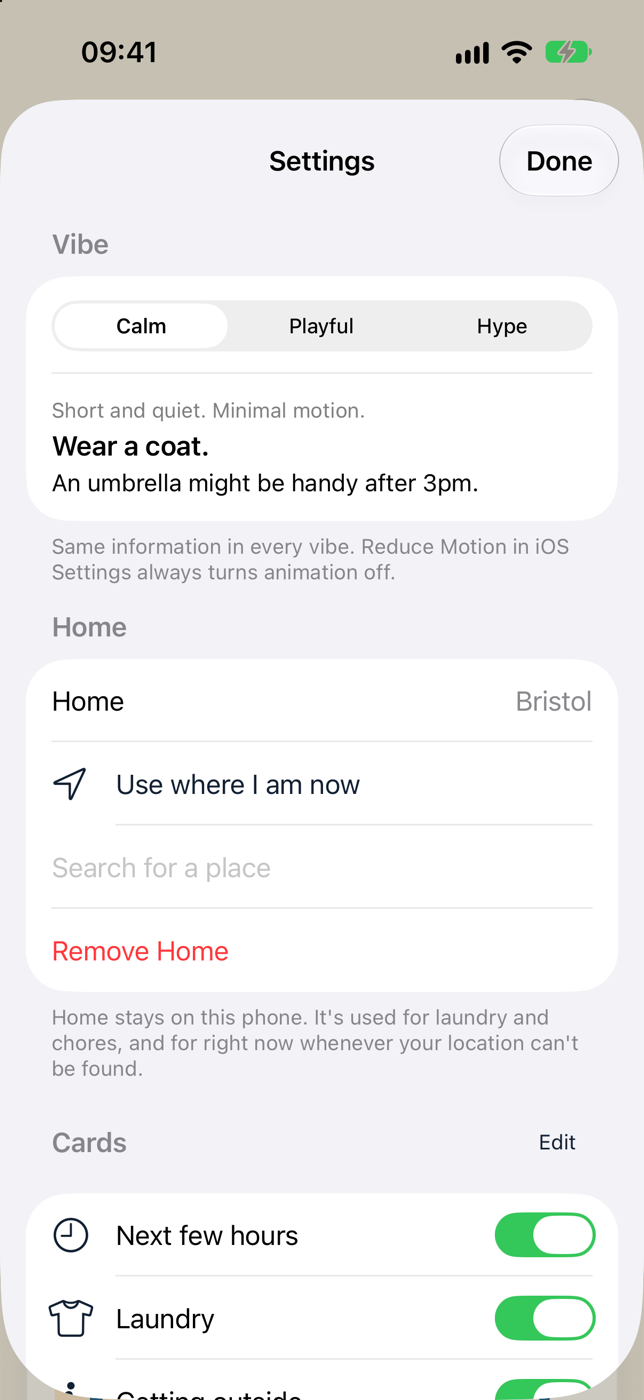
Vibe
Choose Calm, Playful or Hype. A sample underneath shows how it sounds. See Vibes.
Same information in every vibe. Reduce Motion in iOS Settings always turns animation off.
Home
Shows your Home, or No Home yet. Laundry and outdoor jobs use where you are.
- Use where I am now
- Search for a place
- Remove Home
- Allow location access (only if location is off for Weather Buddy)
See Location and Home.
Cards
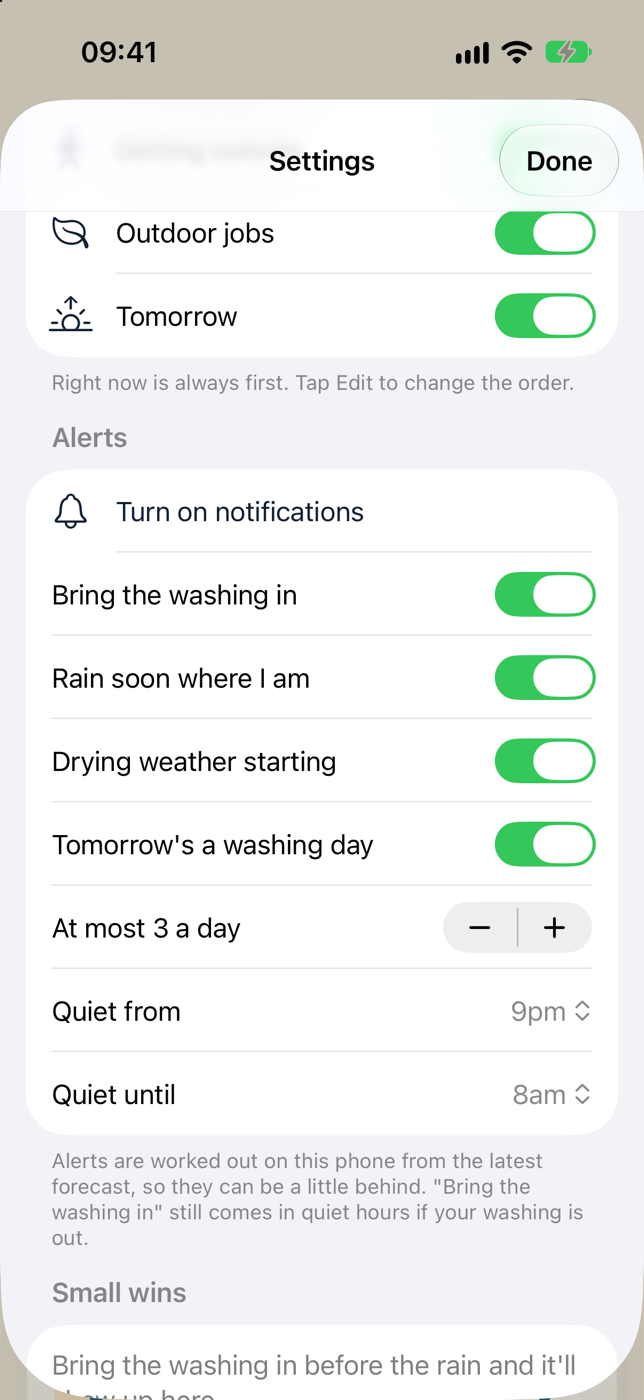
A switch for each card: Next few hours, Laundry, Getting outside, Outdoor jobs and Tomorrow. Tap Edit to drag them into the order you like.
The Now card is always first, and the Tonight card appears by itself at night. Neither can be hidden.
Alerts
| Setting | Starts at |
|---|---|
| Bring the washing in | On |
| Rain soon where I am | On |
| Drying weather starting | On |
| Tomorrow's a washing day | On |
| At most n a day (1–6) | 3 |
| Quiet from (5pm–11pm) | 9pm |
| Quiet until (5am–10am) | 8am |
If notifications are off you'll see Turn on notifications, or Notifications are off. Open Settings. See Alerts.
Small wins
Your tally of Beat the rain and Dried outside. Before your first, it says: Bring the washing in before the rain and it'll show up here.
About
- Forecast: Open-Meteo via Owl Media
- Version: the version of the app you have
Settings kept elsewhere
- Walk, Dog Walk or Run is chosen on the Getting outside card.
- Hiding a card can also be done by pressing and holding it.