Appearance
The Now card
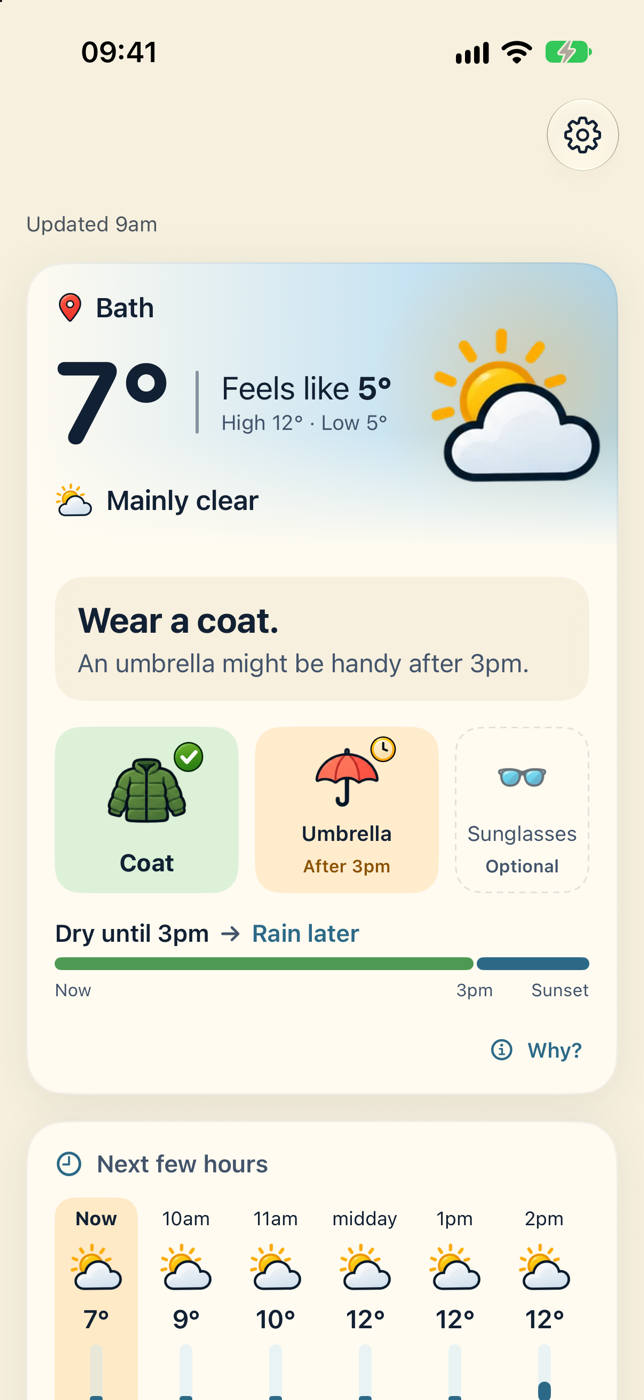
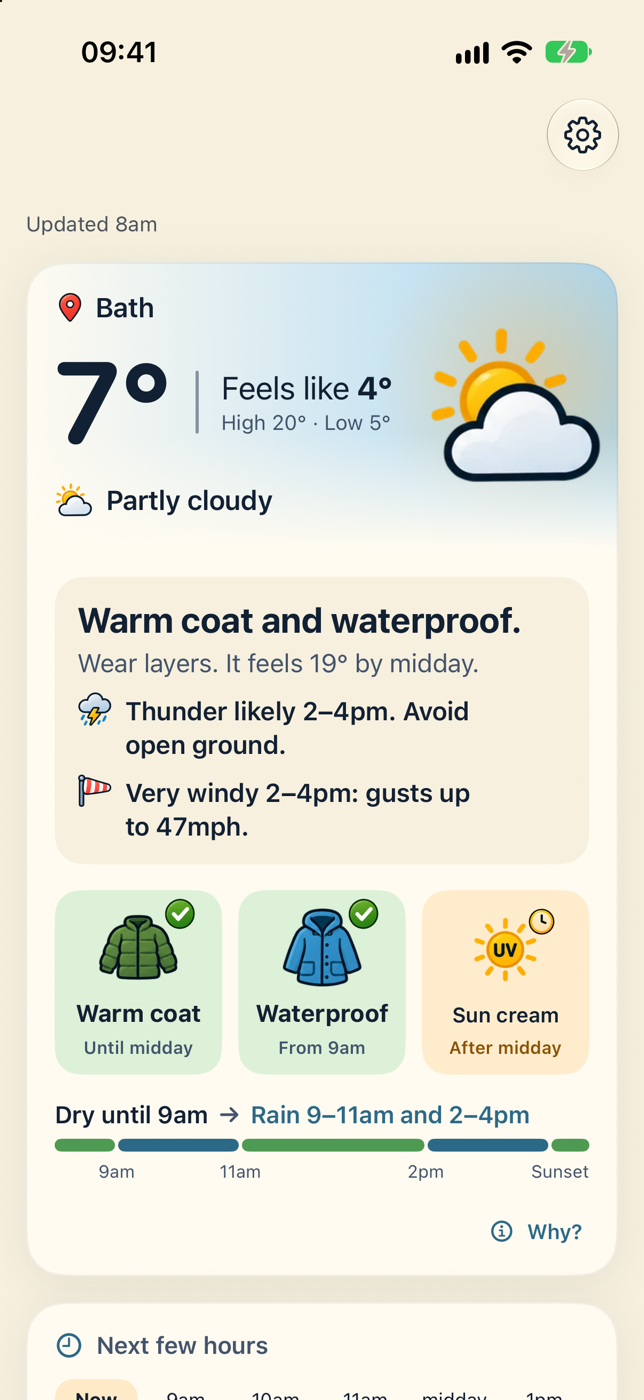
The Now card answers one question: what do I need if I go out in the next few hours? It always comes first, and it's laid out in the same four parts every time, so your eyes learn where to look.
1. The sky right now
The top panel is tinted like the sky. It shows:
- Where the advice is for, with a location pin. If the app couldn't find you, a notice appears here instead. See Location and Home.
- The temperature, for example 9°.
- Feels like 7°, which is what the advice is based on.
- High 12° · Low 5° for the day.
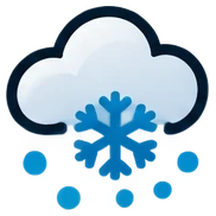
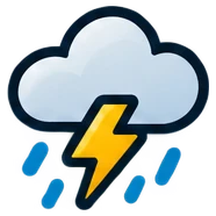
- A picture and a word for the conditions: Clear, Mainly clear, Partly cloudy, Overcast, Fog, Drizzle, Freezing drizzle, Rain, Freezing rain, Snow, Rain showers, Thunderstorm or Unsettled.



2. The decision
Under the sky is the answer, in a few words.
- Nothing to take: Nothing extra needed.
- One essential: Wear a coat.
- Two or more: the first two together, such as Coat and umbrella. Any others are in the tiles.
The line underneath adds the most useful extra, such as An umbrella might be handy after 3pm., or Wear layers. It feels 19° by midday. when a cold morning turns into a warm afternoon.
The exact wording depends on your vibe. The information is always the same.
Heads-ups
If there's thunder or strong wind later today, a heads-up appears here. These are always worded plainly, whatever your vibe:
- Thunder likely 2–4pm. Avoid open ground.
- Very windy 2–4pm: gusts up to 47mph.
- Dangerous gusts up to 60mph until 5pm. Take care out.
3. What to take
Each thing to take gets a tile. The tiles always come in the same order: something warm, then something for rain, then sun cream, sunglasses, and hat and gloves.
| Tile | When you'll see it |
|---|---|
 Warm coat, Coat, Jacket, Light layer | Depending on how cold it feels |
 Umbrella | Rain is due |
 Waterproof | Rain is due and it's too windy for a brolly |
 Sun cream | The UV index reaches 3 or more |
 Sunglasses | It's bright, with little cloud |
 Hat and gloves | It feels below 3° |
How important is each one?
The tiles don't all look the same, because they don't all matter the same.
- Essential: the biggest tiles, in green with a tick. You'll want these.
- Worth considering: tinted amber. A clock badge shows when it becomes relevant, such as After 3pm.
- Optional: smaller and faded, with a dashed outline. Entirely up to you.
The small label under a tile tells you when it applies:
| Label | Means |
|---|---|
| Until 11am | You'll need it now, but not after 11am |
| 9–11am | Only for that spell |
| From 9am | From then on |
| After 3pm | Not now, but later today |
| Just in case | Rain is possible rather than likely |
| Optional | Nice to have |
If there are more than three things to take, the optional ones are left off to keep it simple. VoiceOver still reads every item.
Tap any tile to see why it's there.
4. The rain strip
At the bottom is a bar that shows the rest of the day at a glance: green is dry, blue is wet. Words above it say the same thing, for example Dry until 3pm → Rain later. Along the bottom are the times: Now, the change, and Sunset.
In daylight the strip runs from now until sunset. After dark it covers the next 12 hours.
| You might see | Meaning |
|---|---|
| Dry until 3pm → Rain later | Dry now, rain from about 3pm |
| Rain until 10am → Dry after | Raining now, clearing up |
| Dry until 9am → Rain 9–11am, then dry | One shower |
| Dry until 9am → Rain 9–11am and 2–4pm | Two spells of rain |
| Then showers on and off | Too changeable to pin down |
| Dry all day / Dry tonight | No rain expected |
| Wet all day / Wet tonight | Rain throughout |
Why "around 3pm"?
The forecast comes in hourly steps, so the app can tell you which hour the rain starts in, but not the exact minute.
The Why? button
Every card has a Why? button. On the Now card you can also tap any part of it: a tile, the strip or a heads-up. See Why this advice.
Want the numbers behind each tile? See How the advice works.