Appearance
Welcome to Weather Buddy
Weather Buddy turns the forecast into a decision. Instead of asking you to read a chart, it answers the question you opened it for: "I'm going out. What do I need?"
It's free, there's no account to make, and everything works from the moment you open it.
What you need
- An iPhone running iOS 17 or later.
- An internet connection to fetch the forecast. Once a forecast has loaded, the app, widgets and alerts keep working from it for a while (see Troubleshooting).
- Weather Buddy is made for the UK. Temperatures are in °C, wind in mph and times are written the UK way ("3pm", "9–11am").
The first time you open it
The Welcome sheet
A short Welcome sheet slides up from the bottom. It asks one optional question, and the app is already working behind it.
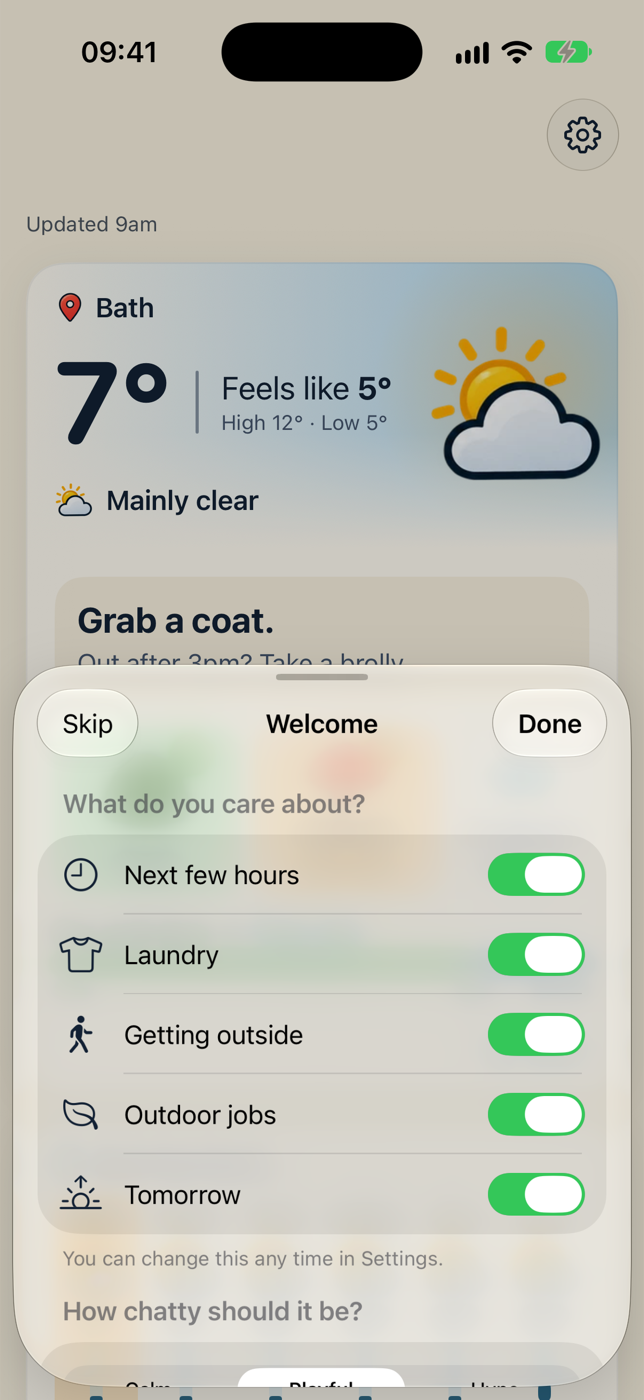
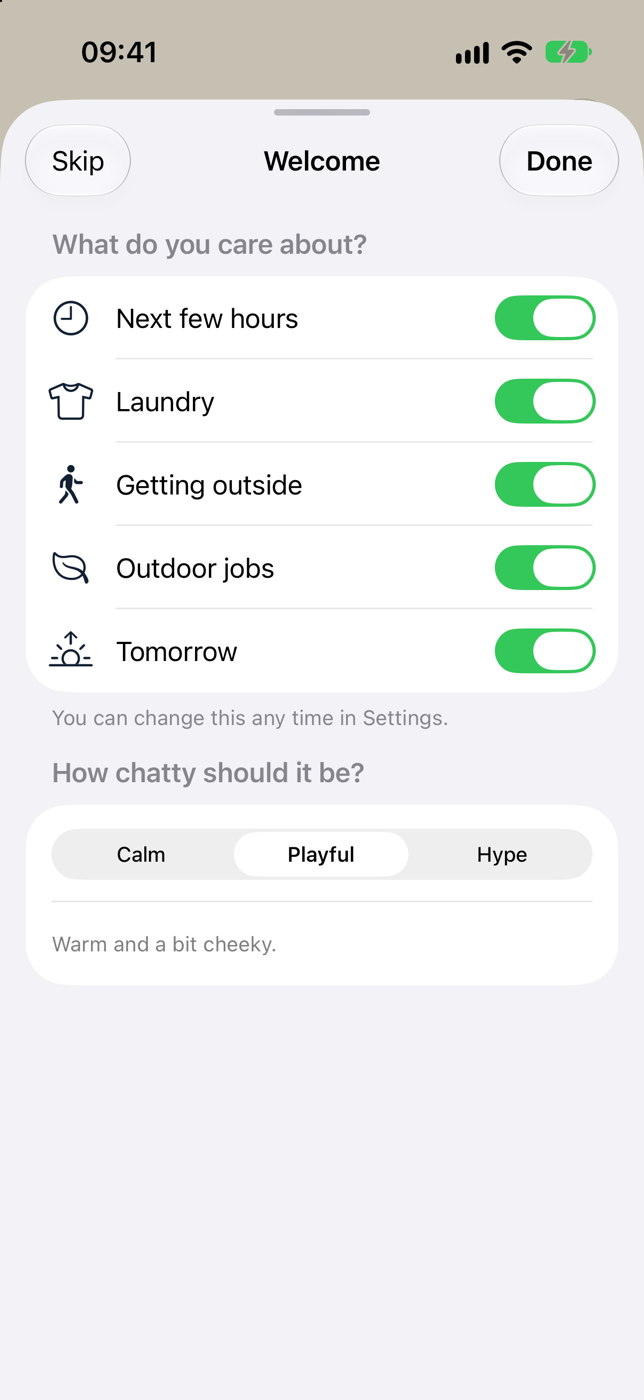
- What do you care about? Turn cards on or off: Next few hours, Laundry, Getting outside, Outdoor jobs and Tomorrow. They're all on to start with.
- How chatty should it be? Pick a vibe: Calm, Playful or Hype. Calm is the default.
Tap Done to save your choices, or Skip (or swipe the sheet down) to keep the defaults. You can change all of this later in Settings.
Coming from SkyFinder?
Weather Buddy is the new name for SkyFinder. If you're updating, you'll see a What's new sheet instead of the Welcome sheet, and your old settings come with you. Tap Let's go to carry on.
The sunny-spot search has gone
SkyFinder's search for the nearest sunny place has been retired. Everything in Weather Buddy is about the weather where you are, and at your Home.
Permissions
Weather Buddy only asks for what it needs, and only when it needs it.
| Permission | When it's asked | What it's for |
|---|---|---|
| Location (While Using the App) | The first time the app fetches a forecast, so usually straight away | The weather where you are. The app never asks for "Always" access. |
| Notifications | The first time you tap Washing's out, or when you tap Turn on notifications in Settings | Alerts, such as "Bring the washing in". No badges. |
| Live Activities | iOS may ask the first time a Live Activity starts | The laundry countdown on your Lock Screen. |
If you say no to location
That's fine. Weather Buddy uses your Home if you've set one, or the middle of the UK if you haven't, and says so clearly at the top of the Now card. You can turn location on later from Settings → Home → Allow location access.
If you say no to notifications
The app still works. You just won't get alerts. Settings → Alerts shows a link to turn them on in iOS Settings.
Next steps
- Take a tour of the Home screen
- Set your Home so laundry and outdoor jobs use the right place
- Add a widget to see your plan without opening the app